
Why Your Art Gallery Website Shouldn't Require a Developer Every Time You Need to Make a Change

If you run an art gallery, you already know the feeling: a new exhibition opens next week, and you need to update the homepage, swap out artwork images, and add a new exhibition page. But this time, you want a new design. Instead of doing it yourself, you're sending an email to a developer, waiting for a reply, and hoping the changes are live before opening night.
This is one of the most common frustrations I hear from gallery owners. Their website was built by someone else — an agency, a freelance developer, or a platform like Artlogic — and every time something needs to change beyond the template, they're dependent on someone else's schedule, invoice, and interpretation of what they actually meant.
The real cost of developer dependency
It's not just the money, although that adds up quickly. It's the delay. Art galleries operate on a rhythm of exhibitions, openings, and rotating collections. Your website needs to move at that same pace. If it takes a week to get a simple text change in the footer (true client story!), your site is always a step behind what's actually happening in your gallery.
There's also a creative cost. When you can't touch your own website, you stop thinking of it as a living extension of your gallery. It becomes a static brochure instead of a tool you use to sell work, promote artists, and drive enquiries.
Why this happens so often
Many gallery websites are built on custom code or complex platforms that were never designed with the gallery owner in mind — they were designed for the developer who built them. Even visually beautiful sites can be a nightmare to update if the underlying system wasn't built for ease of use.
Artlogic, for instance, is powerful but comes with its own learning curve, ongoing cost, and often still requires support tickets or technical knowledge (or Artlogic’s Design Studio for custom design) for anything beyond the basics.
A different approach: build it so you can run it
This is exactly why I started building Squarespace websites for art galleries and artists. Squarespace's editor is genuinely intuitive — drag, drop, click, type — but a generic Squarespace template still isn't built around how a gallery actually works: exhibitions, artist pages, works.
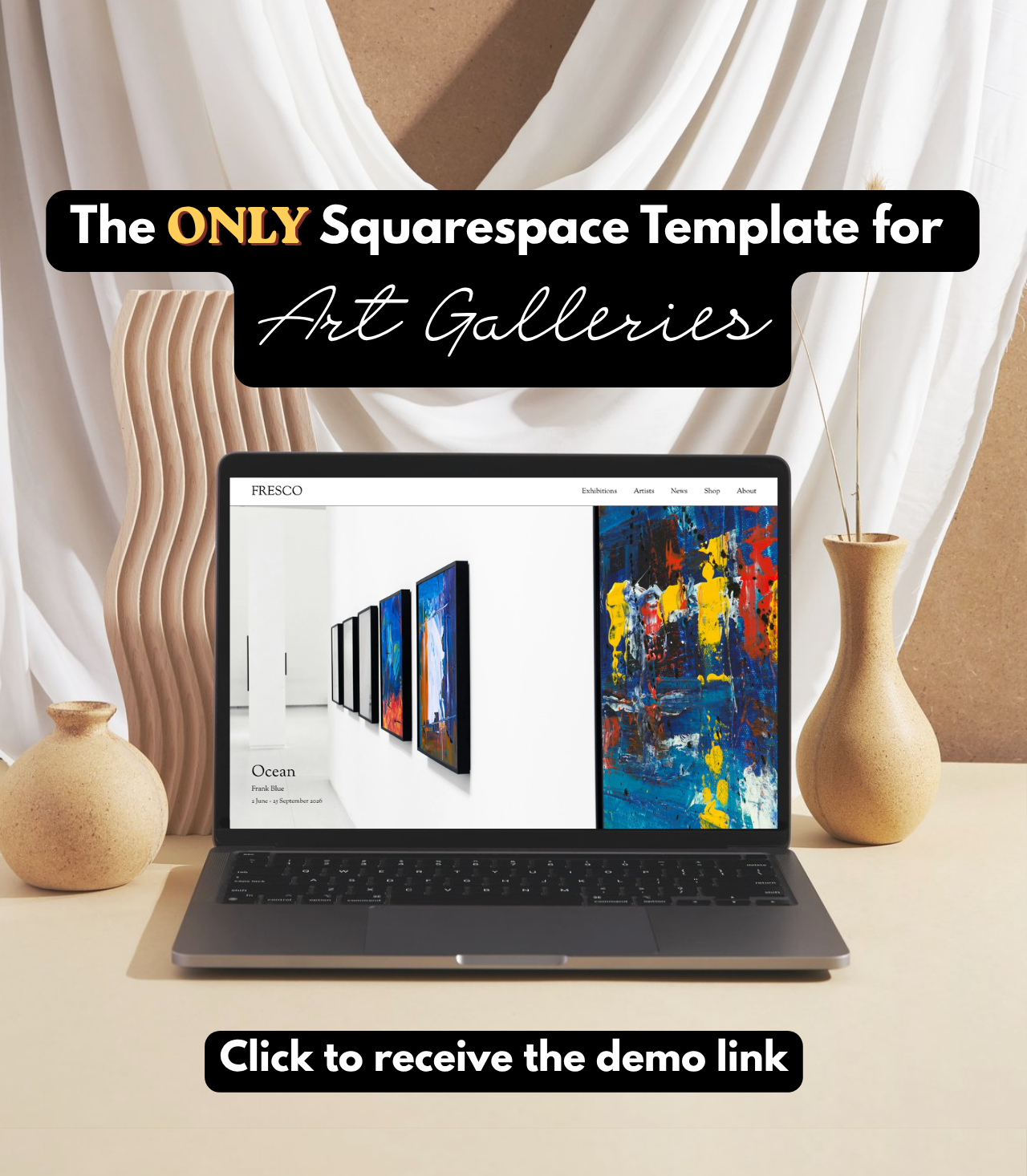
That's the gap my Squarespace Art Gallery Template fills. It's built specifically for galleries, so the sections you need — current and past exhibitions, artist bio, artwork, enquiry forms — are already there, structured properly, and ready for you to edit yourself. No code. No developer. No waiting.
What to look for in a website you can actually manage
If you're evaluating your current website (or planning a new one), ask yourself:
Can I update an exhibition page myself, today, in under 10 minutes?
Can I add a new page without calling anyone?
Do I understand how my own website is structured?
If my developer disappeared tomorrow, would I be stuck?
If any of those answers worry you, it's worth considering a platform—and a template—built to give you the freedom your gallery needs.
Ready to take control of your gallery's website? Explore the Squarespace Art Gallery Template Studio Fresco and see how quickly you can start managing exhibitions, artists, and enquiries yourself.
Built for the art world
When art galleries started asking me to build them Squarespace websites, I knew there should be an easier way; and thus the Studio Fresco Squarespace template was born.
