
Squarespace 7.1 Classic Editor
Studio Fresco
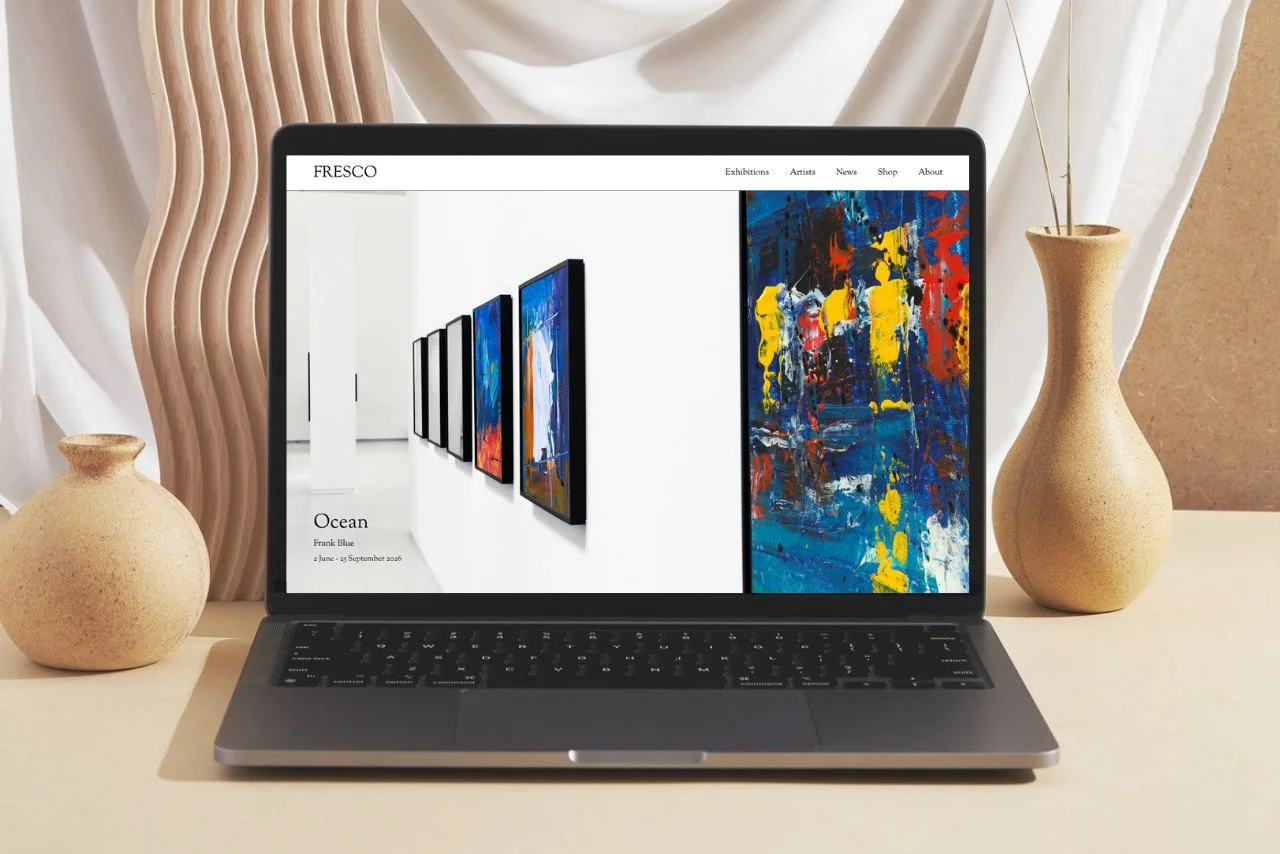
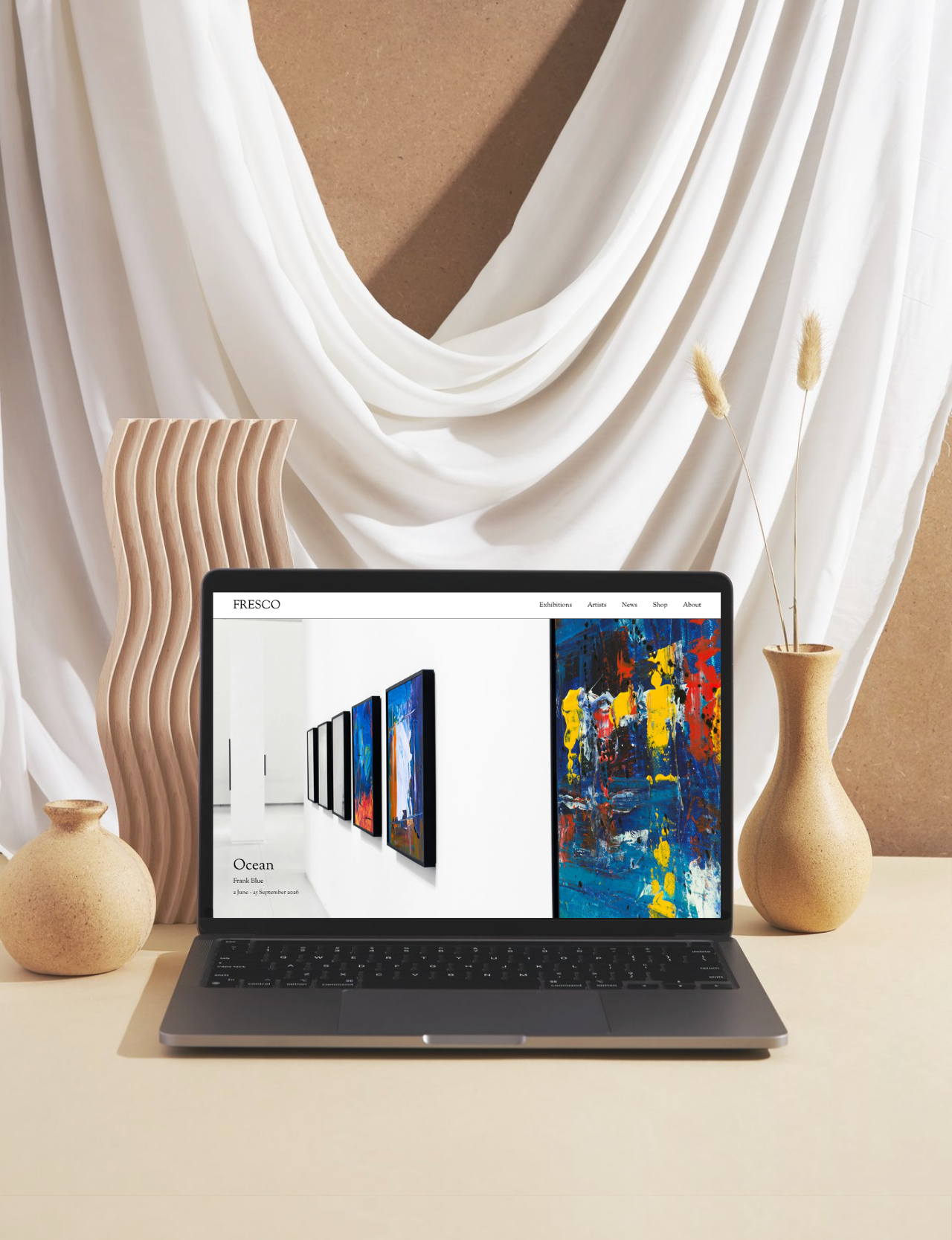
£450Designed specifically for art galleries, a premium Squarespace template built to showcase exhibitions and artists with clarity and sophistication.
-
Exhibition pages
Artist pages
Artwork gallery
Artwork viewer
News/Publication pages
Shop
Gallery info
-
Clean, minimal design
Artwork-first presentation
Spacious, editorial design
-
Designed with gallery experience
Designed around industry expectations
Built by a Squarespace specialist
Whether you’re opening your first art gallery, or looking for a refresh for your small art gallery, Studio Fresco gives you the confidence to present your artists online.
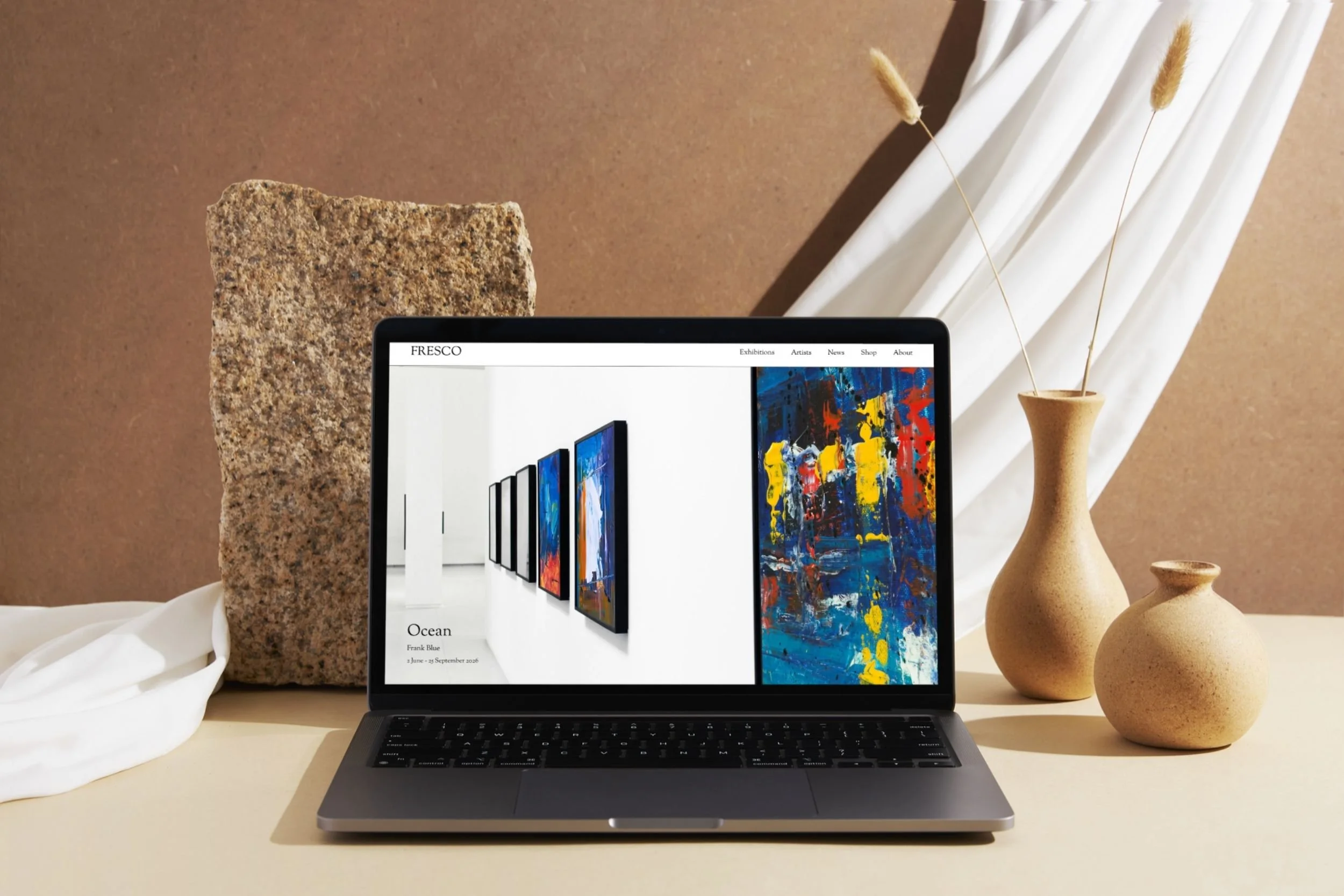
Studio Frecso is a thoughtfully designed Squarespace template for contemporary art galleries, art curators, and art dealers looking to create a refined digital space for their exhibitions and artists.
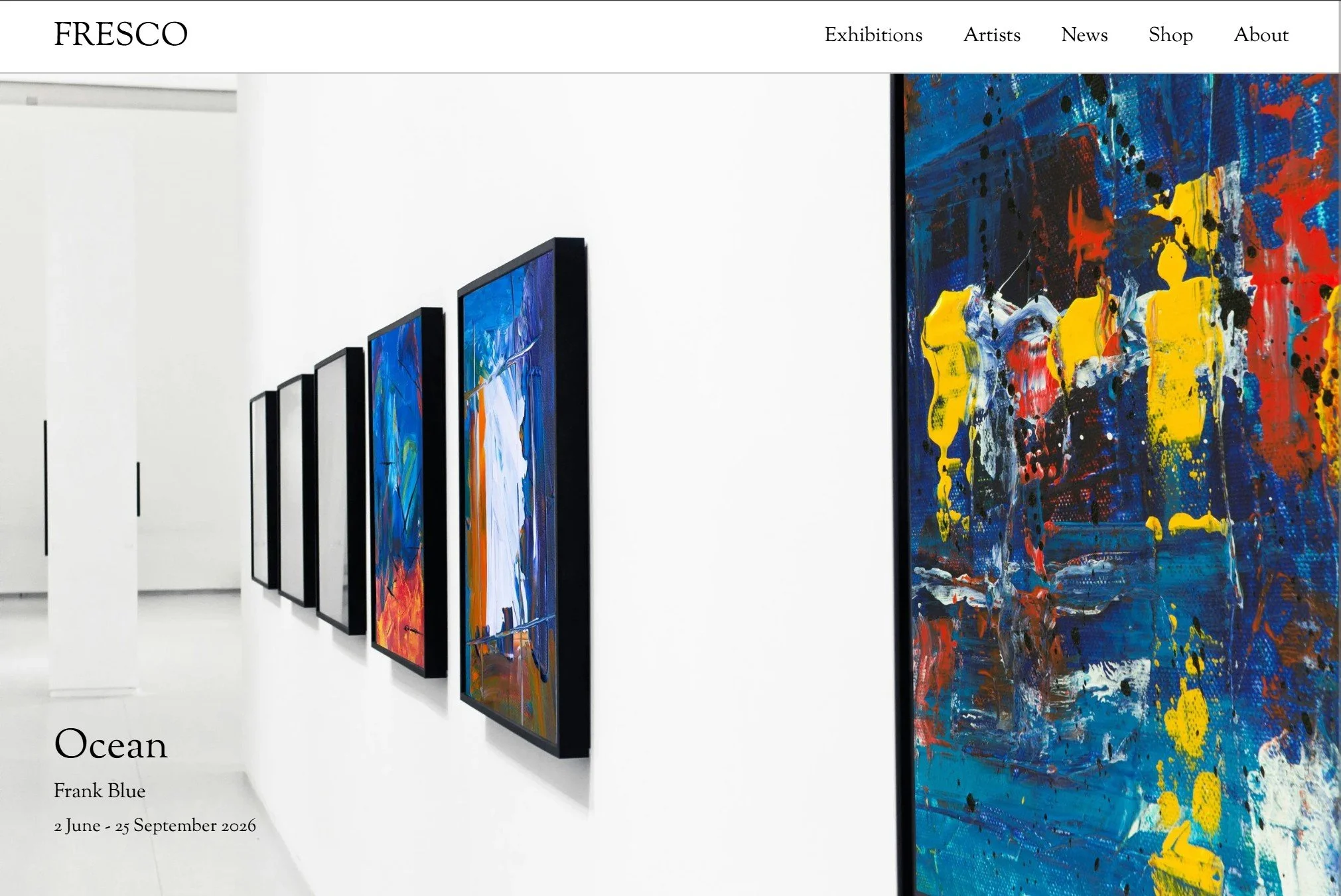
Drawing on experience working with artists and galleries, Studio Frecso brings together the pages, navigation, and structure expected from a professional gallery website — with a minimal, modern design created to let the artwork take centre stage.
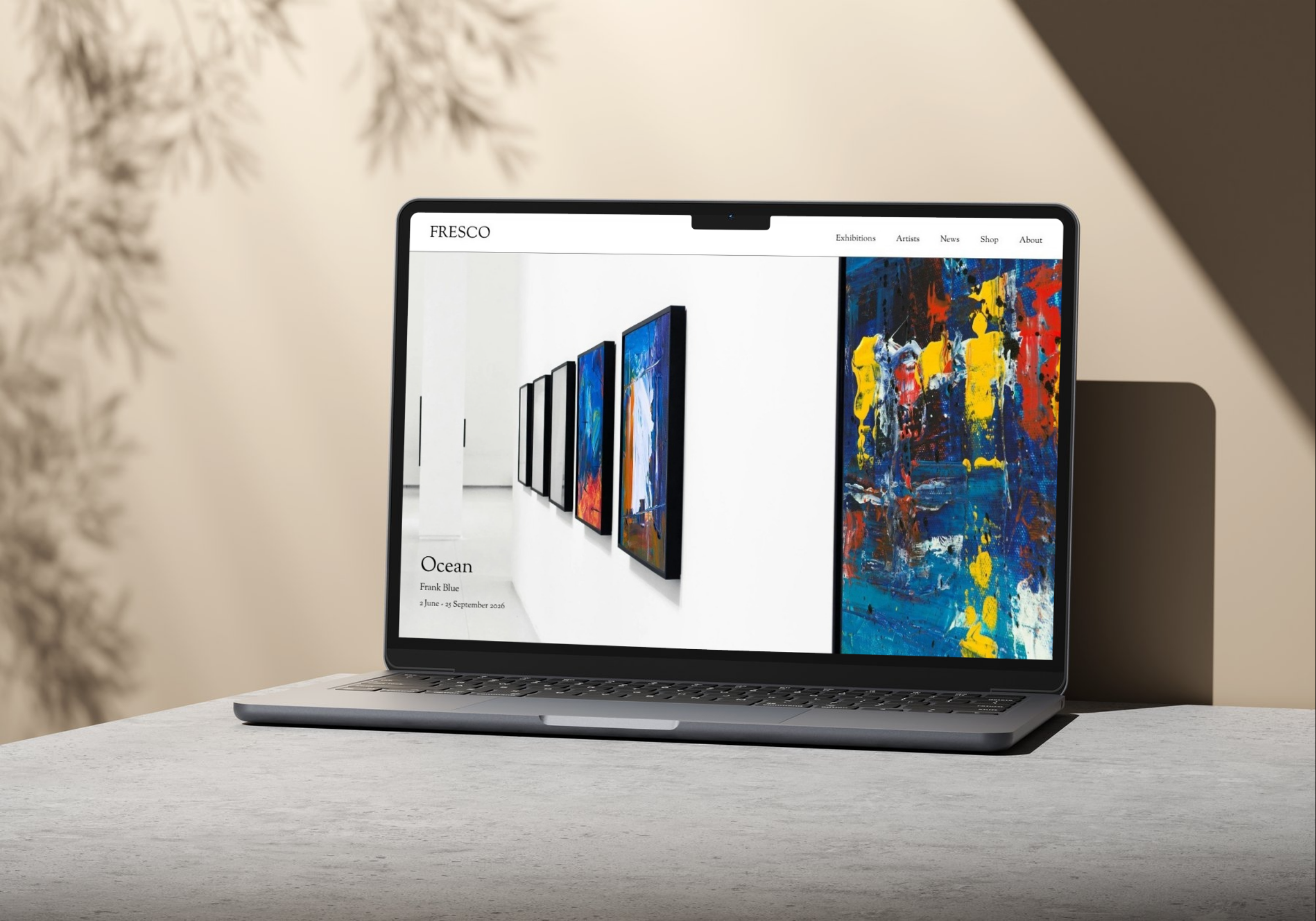

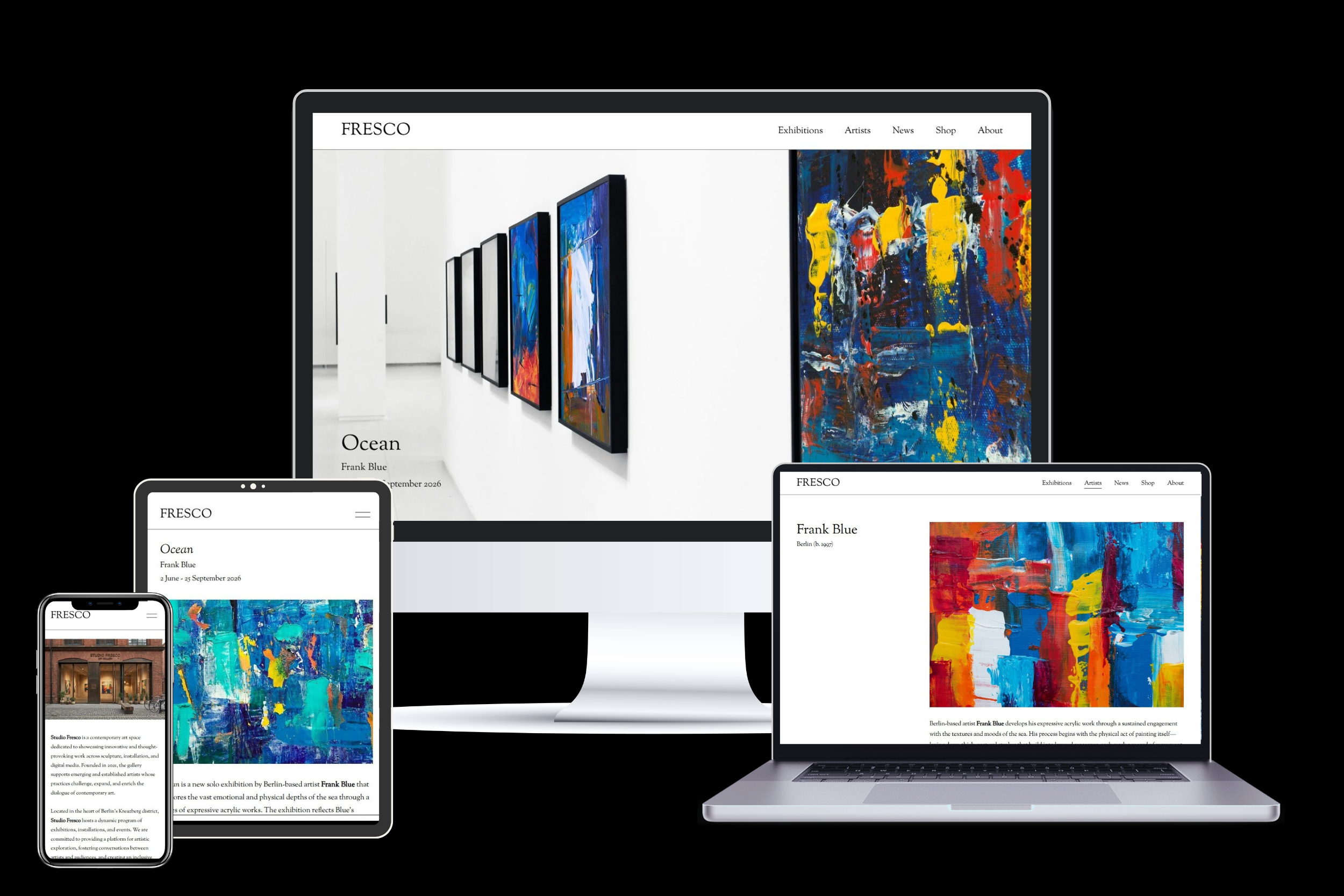
Pages include:
Home page
Exhibitions main page
Exhibition individual page
Artists main page
Artist individual page
News/publication main page
News/publication individual page
Shop main page
Product detail page
About
Gallery information
Newsletter signup
404 page
Legal
Total design freedom
All pages can be customised. New pages can be added and designed by you, not limited to the pages that come with the template!
CLEAN & MINIMAL LOOK
Designed to let the artwork take centre stage
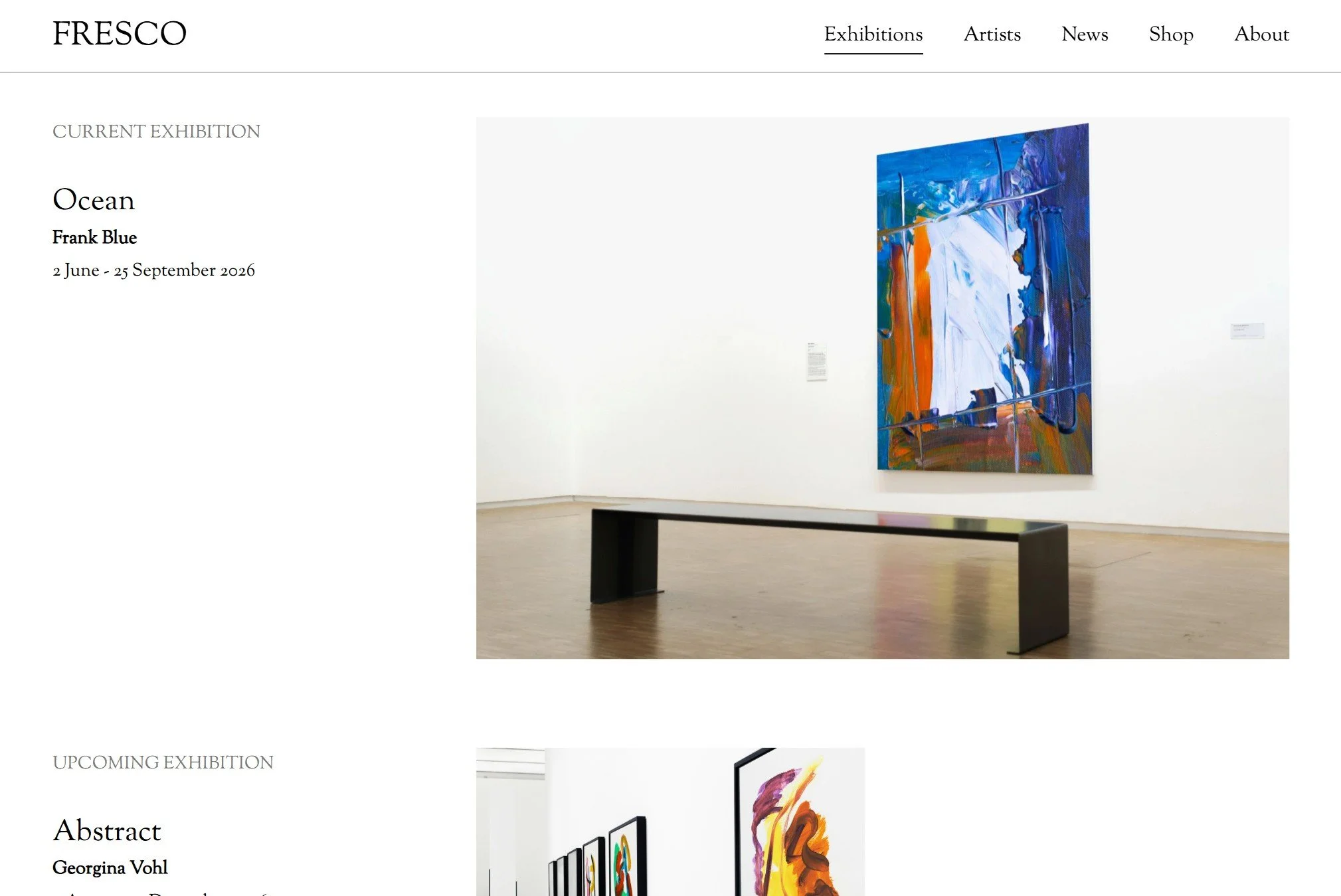
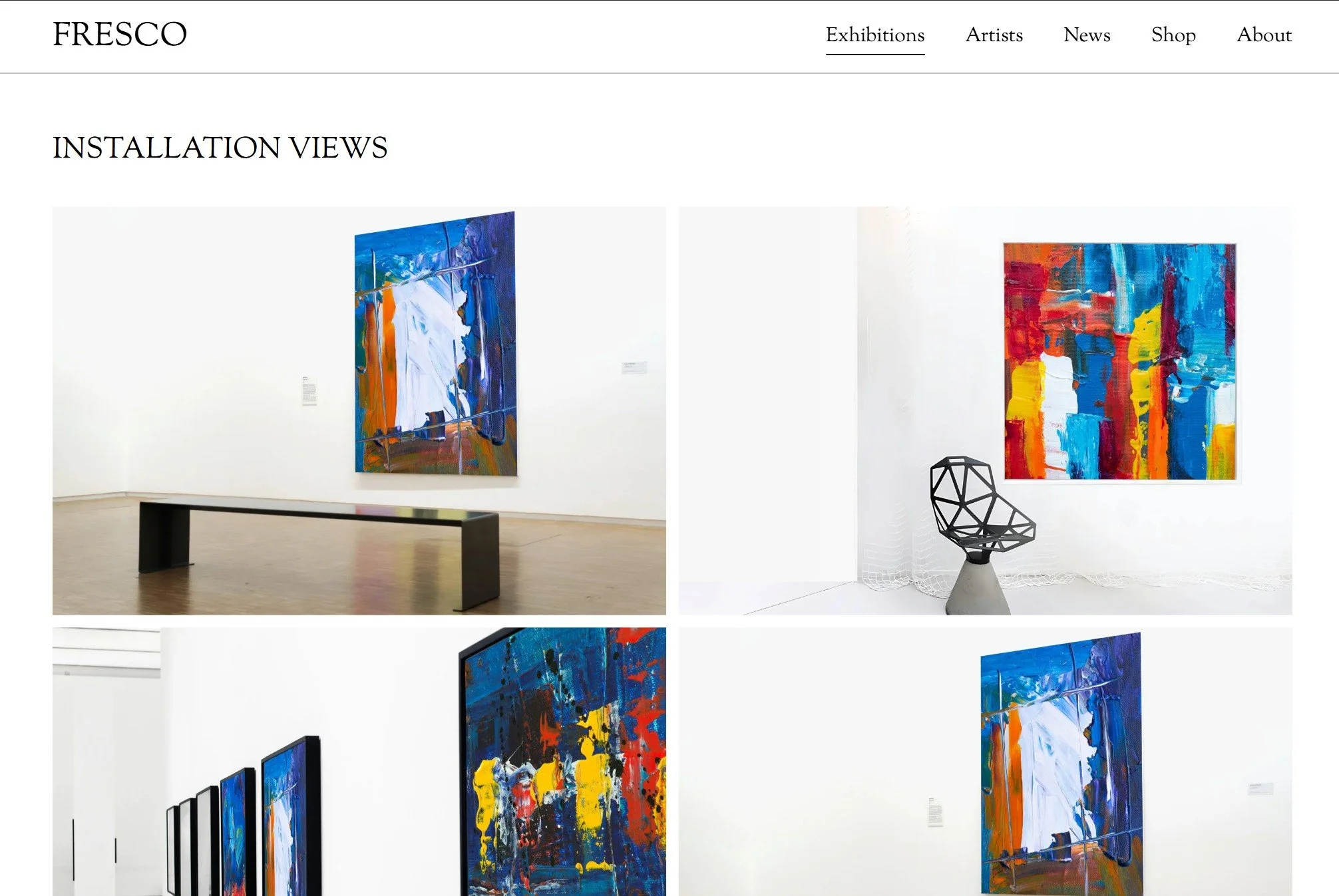
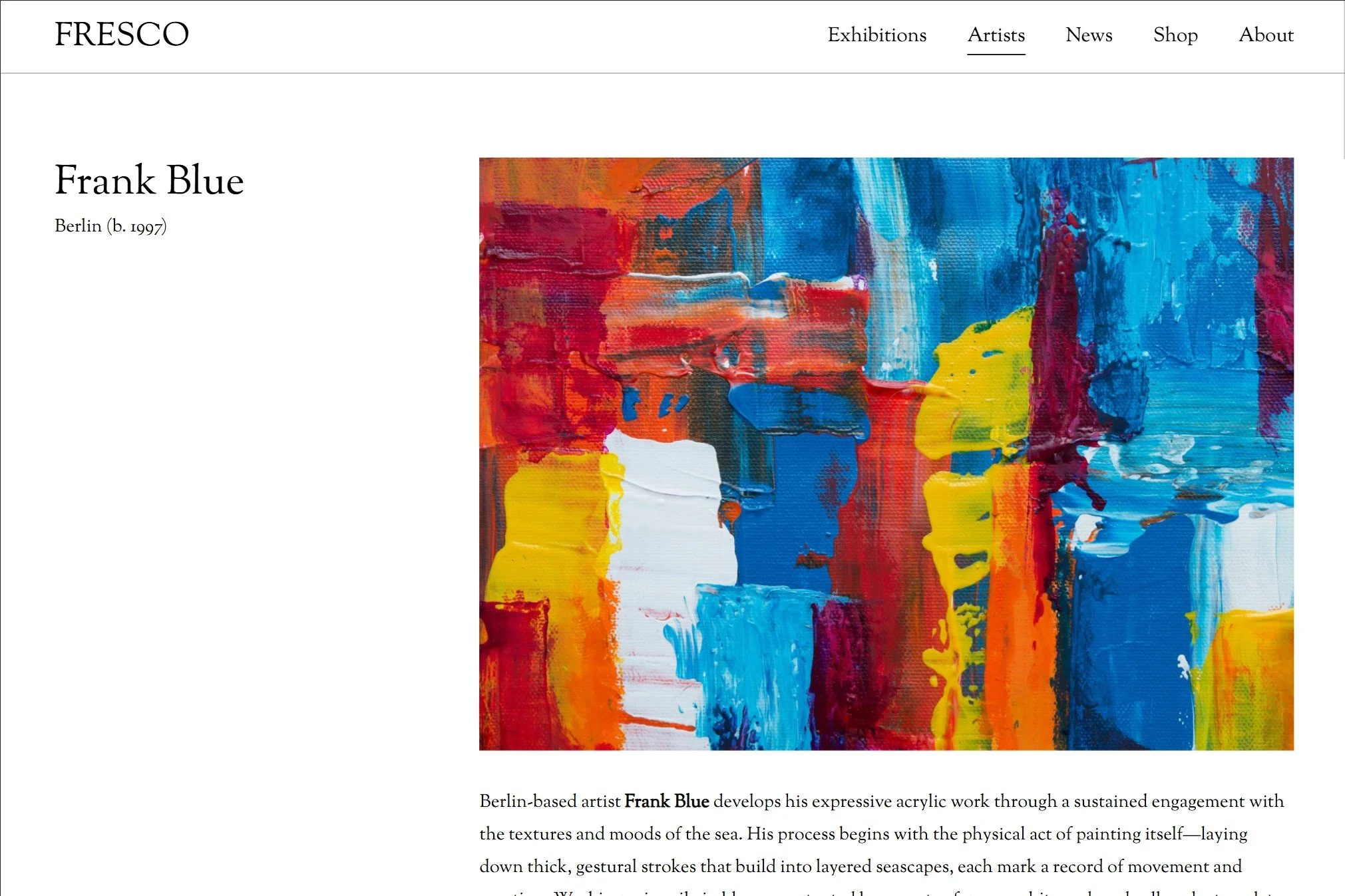
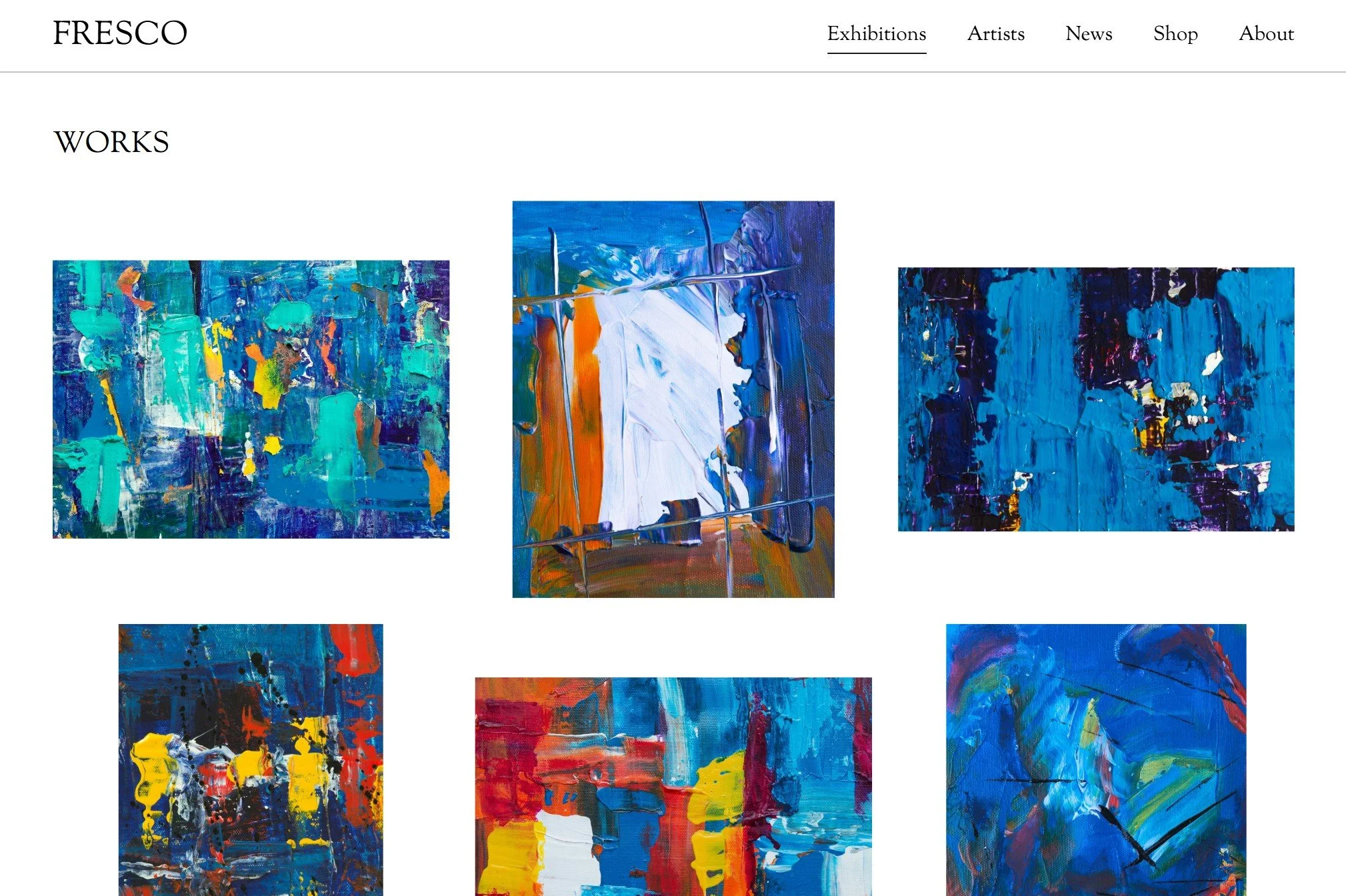
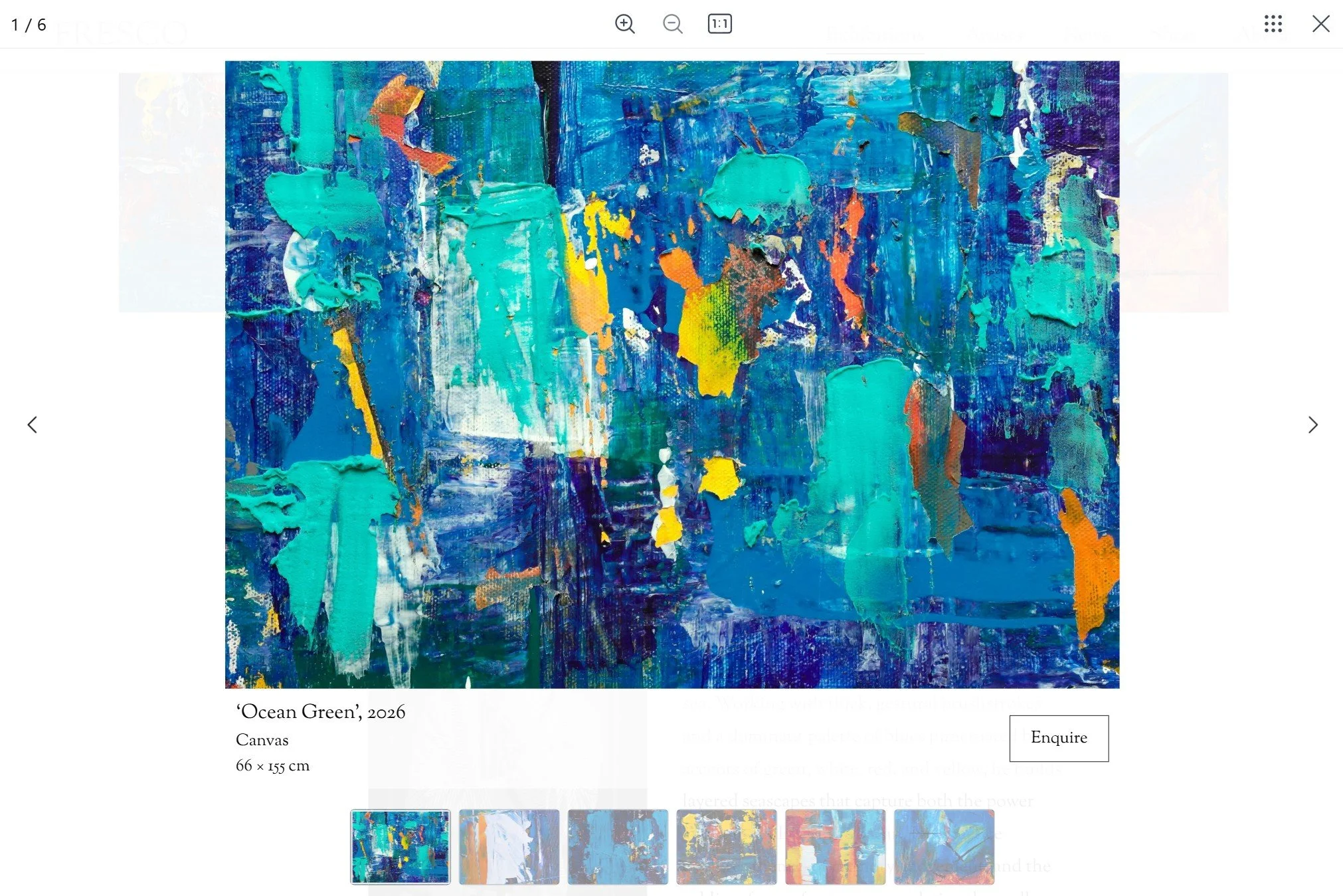
ELEVATED GALLERY EXPERIENCEBonus Enquire button
Bring the same enquiry experience used by larger galleries to your own website. Studio Fresco allows visitors to easily ask about works without searching for contact details.
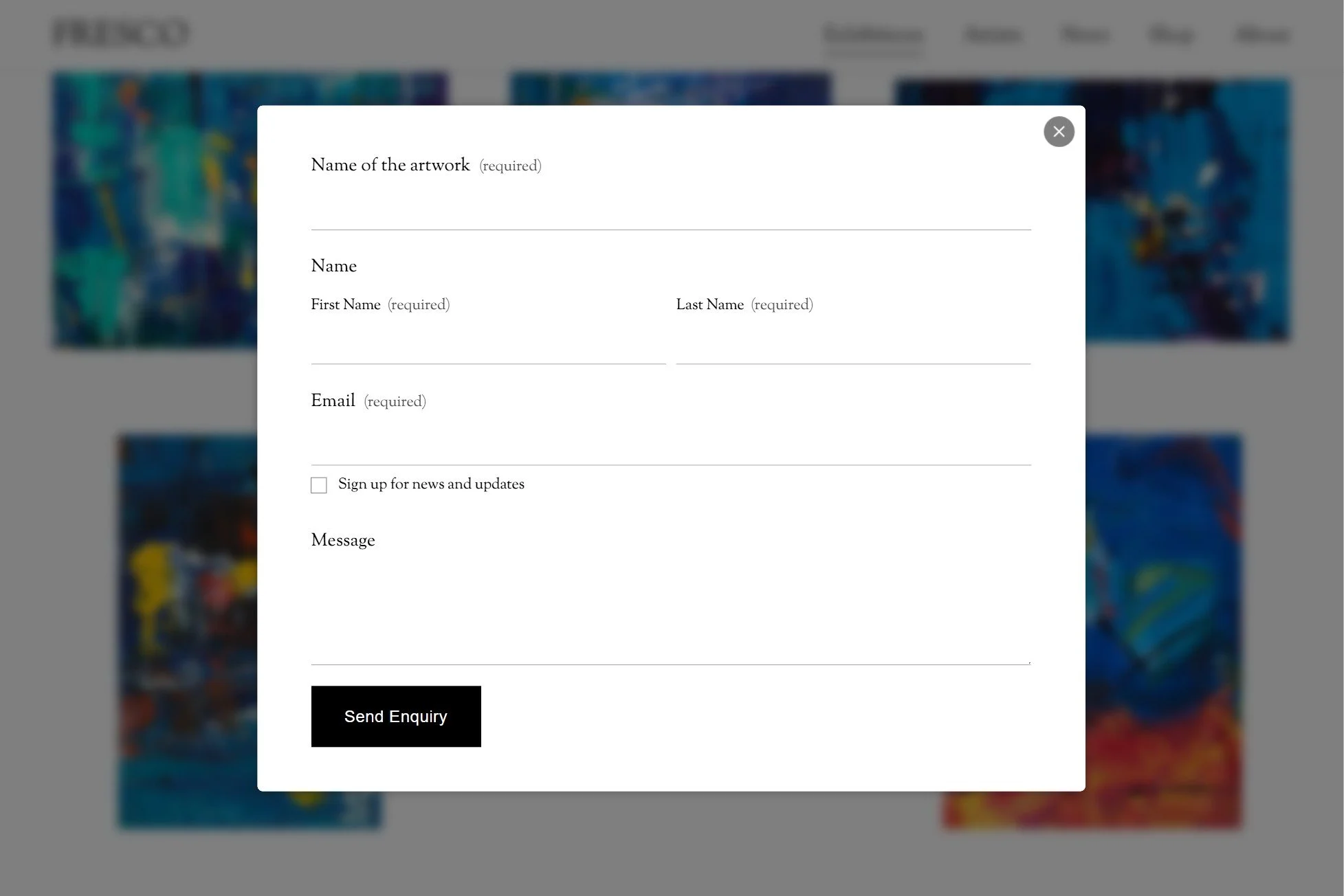
DESIGNED FOR EASY ENQUIRIESPop up form
With one click, interested collectors can move from viewing an artwork to making an enquiry through a clean, focused form designed to keep the experience seamless.
How does it work?
Step 1. Check your email
Look out for an email from Squarespace, accept the invitation, and your template will be installed on your Squarespace account ready to go!

Follow the Tutorial Library to edit the template for your art gallery, e.g. upload artwork images, add exhibition pages, edit gallery information.

Step 2. Start editing
Step 3. Publish & launch!
Once you’re happy with the website and have gone through the Launch Guide, you’ll be ready to hit Publish and launch.

All the details
-
Not at all! We have used some code to customise the template, but everything you’ll need can be done natively in Squarespace’s platform. The video setup library will show you exactly what you need to do.
-
To use your new Squarespace template, the content of your existing website will have to be moved over. If you have a lot of content, this can take time.
Existing Squarespace website: I can install the template onto your existing Squarespace website. This option means content can be moved within the existing site without reuploading to a new site.
Existing website on Artlogic platform: This can be done if you are willing to maintain the website as a standalone, not linked to Artlogic.
Existing website on other platforms: I do offer migration services, to move your website from a different platform to Squarespace. Get in touch with me to get a quote.
-
There is a lot of customisation you can do within Squarespace. But if there is something specific you need, I offer customisation service.
Get in touch with me to tell me what you need and I’ll give you a quote.
-
Within 48 hours, the template will be installed in your Squarespace account as a new website.
Look out for a Contributor Invitation email from Squarespace. Click accept to join your new website. I will then transfer the ownership to you.
-
Studio Fresco template installed on your Squarespace account
Video library that will guide you step-by-step from new website to editing to launch.
Priority email support for the first 3 months
-
Yes! You’ll need a domain name (which you can purchase through Squarespace or other domain providers such as GoDaddy) and a Squarespace subscription (Business plan or higher).
-
-
You can use this template for your own website or a client’s website. One template can be used for one website.
-
Email me for any template support you need.
-
Due to the digital nature of our products, our website templates are non-refundable, please make sure you read all of the product details before purchasing, and reach out to me if you have any questions or concerns!

The only Squarespace Template for
Art Galleries
Made possible by working with art galleries.
Still have questions? Not sure if it’ll work for your art gallery?
Maybe you’re not sure about Squarespace? Or you don’t know if you can move your website from other platforms like WordPress, Artlogic, Cargo to Squarespace? Let’s chat and let me walk through your questions or concerns.