
How to Build and Manage Your Own Art Gallery Website (No Code Required)

Most gallery owners didn't get into the art world to become web developers — and they shouldn't have to. Yet so many galleries end up trapped by their own website, not able to make even minor changes without technical help (e.g. can’t design a new page, true client story!). Taking full control of your website doesn't require learning to code. It requires the right platform, the right structure, and a simple routine for keeping it current. Here's the complete picture.
Step 1: Choose a platform built for non-technical editing
You want something genuinely visual — click on what you want to change, and change it. Several mainstream website builders handle this well:
Squarespace is highly visual and consistently ranks among the easiest platforms for non-technical users. Design is genuinely open-ended, but Squarespace also provides built-in design options and guardrails you can lean on if you'd rather keep things simple.
Wix offers similar drag-and-drop ease, with somewhat more layout freedom, which can be a benefit or a distraction depending on how much flexibility you want.
Webflow gives more design control, but through a more technical, closer-to-code interface — better suited to someone comfortable with a steeper learning curve.
There's also a category of specialist, art-world-specific platforms — Artlogic, ArtCloud, and ArtGalleria — combining a website with inventory, client, and sales-management tools. These are worth it if you'll genuinely use that extra functionality day to day; otherwise they add cost and complexity you don't need just to gain independence over your public website.
Step 2: Build on a structure made for galleries
I should be upfront: I specialise in Squarespace as a web designer, so I'm biased toward it — but that bias comes from experience. Time and again, I've found Squarespace to be the platform non-professional web designers can genuinely own, edit, and maintain long-term without relying on a designer or developer on an ongoing basis. (To illustrate the point, I do not offer a monthly maintenance package, because there is no need!)
Worth comparing honestly, though: Wix does offer templated designs marketed at art galleries, which Squarespace doesn't. However, having looked at a number of them, most don't reflect much real understanding of how galleries actually want to present exhibitions, artists, or works. So in practice, it's fair to treat Squarespace as having no dedicated gallery templates either, since neither platform gives you something genuinely built for the job out of the box.
What Squarespace does have is a set of collections and content features that make it straightforward to structure a site around exhibitions, artists, and works, even without a gallery-specific template. That gap — no real gallery template on either platform, but a strong underlying fit on Squarespace — is exactly why I built a Squarespace template specifically for art galleries, after working directly with galleries and seeing the space between "build it yourself from scratch" and "pay a designer to build it for you" (more on this at the end).
Step 3: Learn the few things you'll actually use
You don't need to master your chosen platform. You need to know how to:
Edit text and add images
Duplicate a page for a new exhibition or artist
Update your enquiry form details
Rearrange sections on a page
Most gallery owners I've worked with pick this up within an hour.
Step 4: Set a simple update routine
Exhibitions: when a new show is confirmed, duplicate your existing exhibition page, update the title, dates, description, and images, and publish. Artists: duplicate the existing artist page format, add their bio, statement, and portfolio images. Works: add or remove individual work using the existing layout as your template. Enquiries: with a form built in, incoming interest is routed straight to you.
None of this requires technical skill — just knowing where things live on your own site, which is far easier when you built it yourself. Treat it like part of your exhibition process: when a show is confirmed, block 1 hour to update the website alongside your other opening prep.
Step 5: Know when to ask for help — and when not to
Even with full independence, there will be moments you want expert input — a redesign, a new feature, something more advanced. That's fine. The difference is that it becomes a choice, not a necessity, for basic content changes.
Ready to build a site that's truly yours? Check out my Squarespace Art Gallery Template, built for new galleries or small galleries looking for a refresh. Start creating a website you can run yourself from day one.
Related reading: Why Developer-Dependent Gallery Websites Hold You Back · The Real Cost of a Gallery Website You Can't Update Yourself
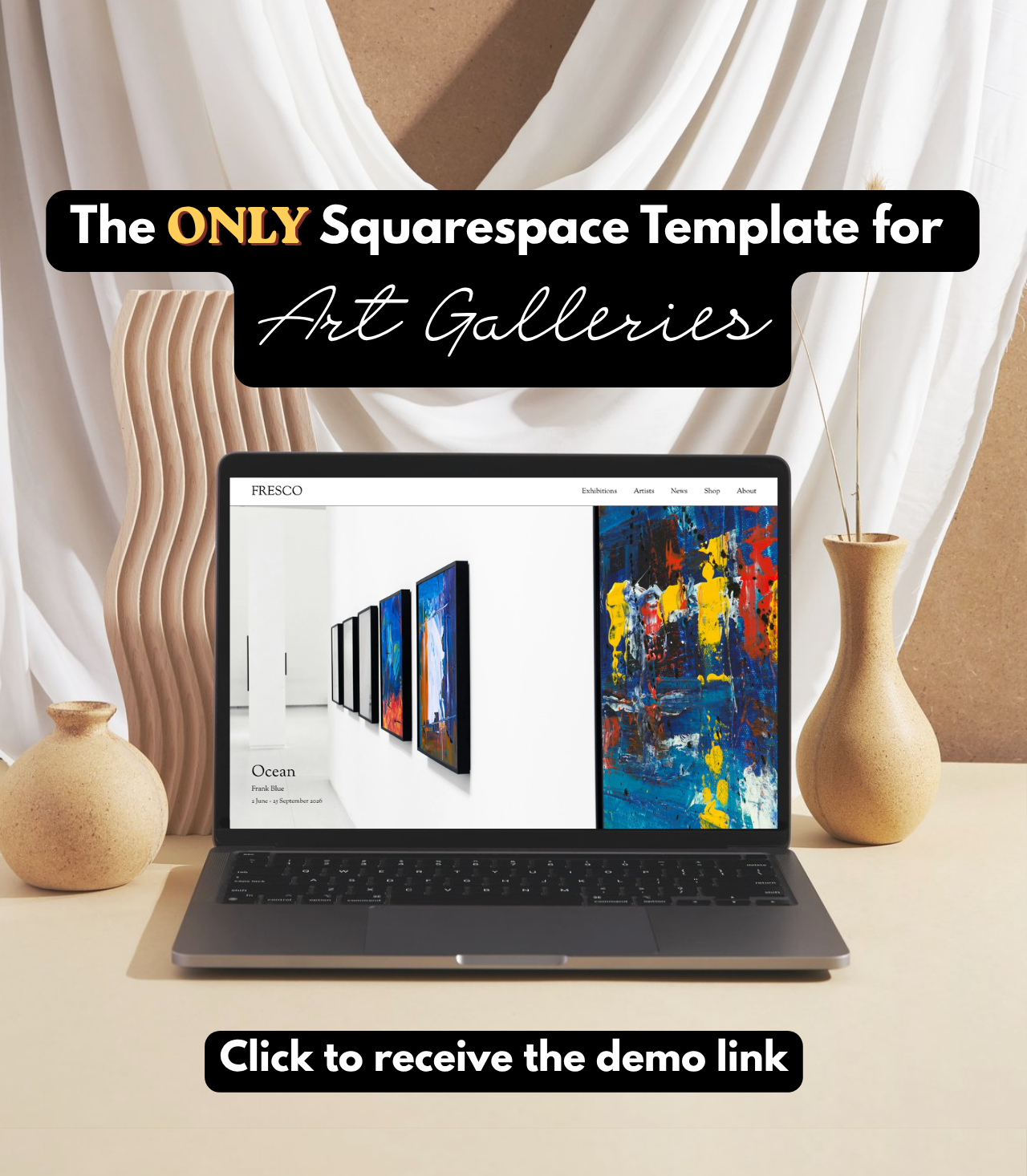
Designed for galleries, editable by galleries
When art galleries started asking me to build them Squarespace websites, I KNEW there should be an easier way; and thus the Studio Fresco Squarespace template was born.
